Split at any percentage
Drag the divider to 43 %, 40 %, 25 % — whatever the shot needs. Flip it horizontal or vertical. The export uses the exact same geometry.
 KAMIRAMultiCam Studio
KAMIRA records your front and rear cameras into one movie — split screen, picture-in-picture, or camera + whiteboard — with your microphone, entirely on your iPhone, in Arabic or English.
RECORD • DRAW • CREATE
Live demo — drag the divider, move the PiP, tap the rail.
Preview and export share the same geometry, so the movie in your library is exactly the frame you directed.
Drag the divider to 43 %, 40 %, 25 % — whatever the shot needs. Flip it horizontal or vertical. The export uses the exact same geometry.
Drag the PiP anywhere, pinch to resize, pull the corner to change its width and height. Pinch the main camera to zoom within the lens limits, even while recording.
Draw with your finger beside your camera. Pen colors and sizes, eraser, undo and clear — all recorded live with the video.
Paused time is removed and the audio is retimed, so the movie plays straight through. Hide either camera, or both, to show your background.
Canvas colors, adjustable blur, framing and color looks — included in the saved movie, not just the preview.
HD, Full HD, 2K (1440p) and 4K, enabled only when your camera combination and hardware budget can sustain them.
Main, Ultra Wide and a front camera in one frame, plus a whiteboard tile if you want it. Three is the maximum at a time; the device decides which sets can run together.
Main, Ultra Wide, outer or inner front camera. Only pairs the hardware can run together are offered.
Switch the whole studio, including error messages and permission texts. The rail moves to the leading edge in Arabic.
No account, no server, no analytics. Movies stay in the app's library on your device until you share them yourself.
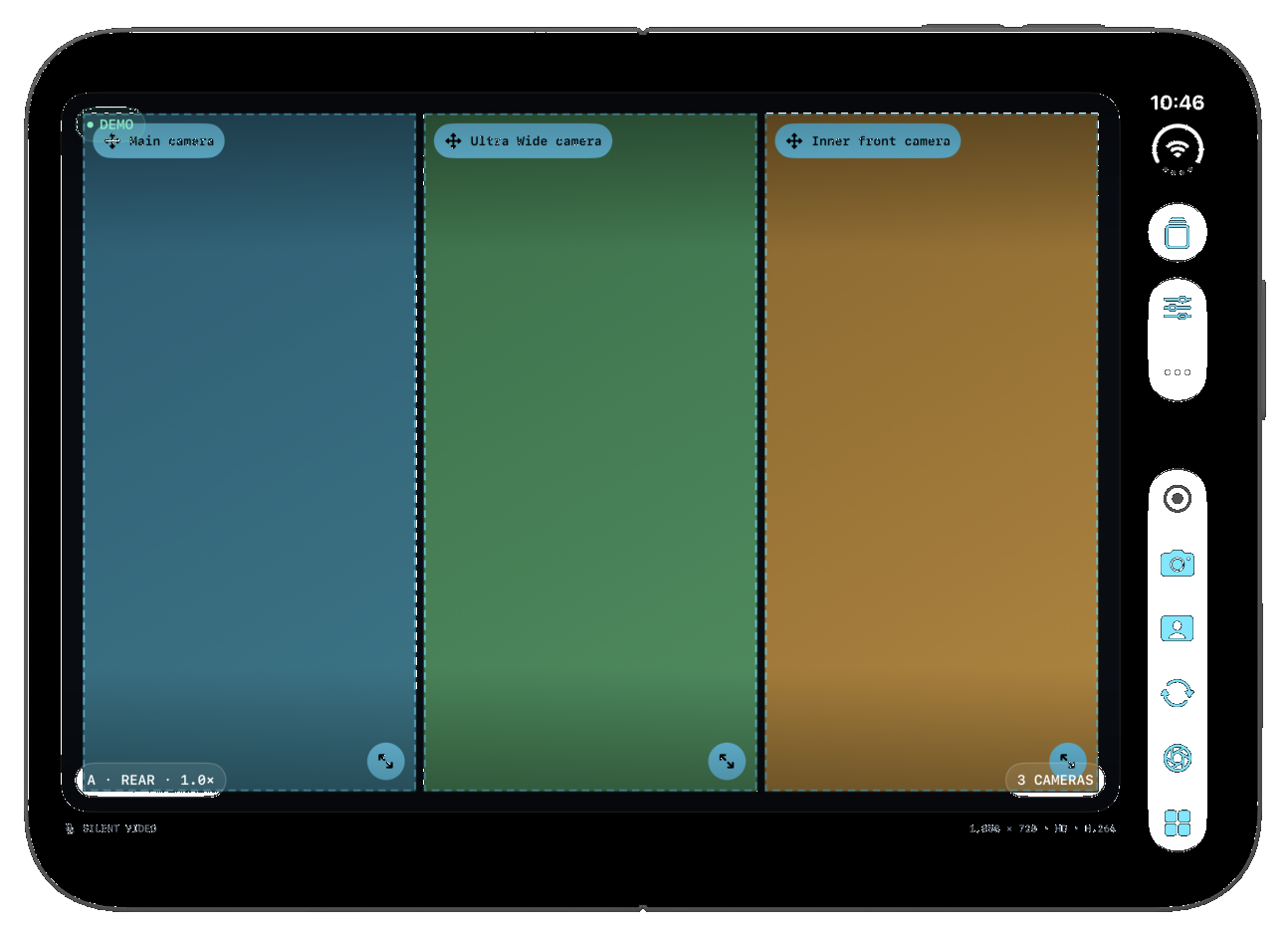
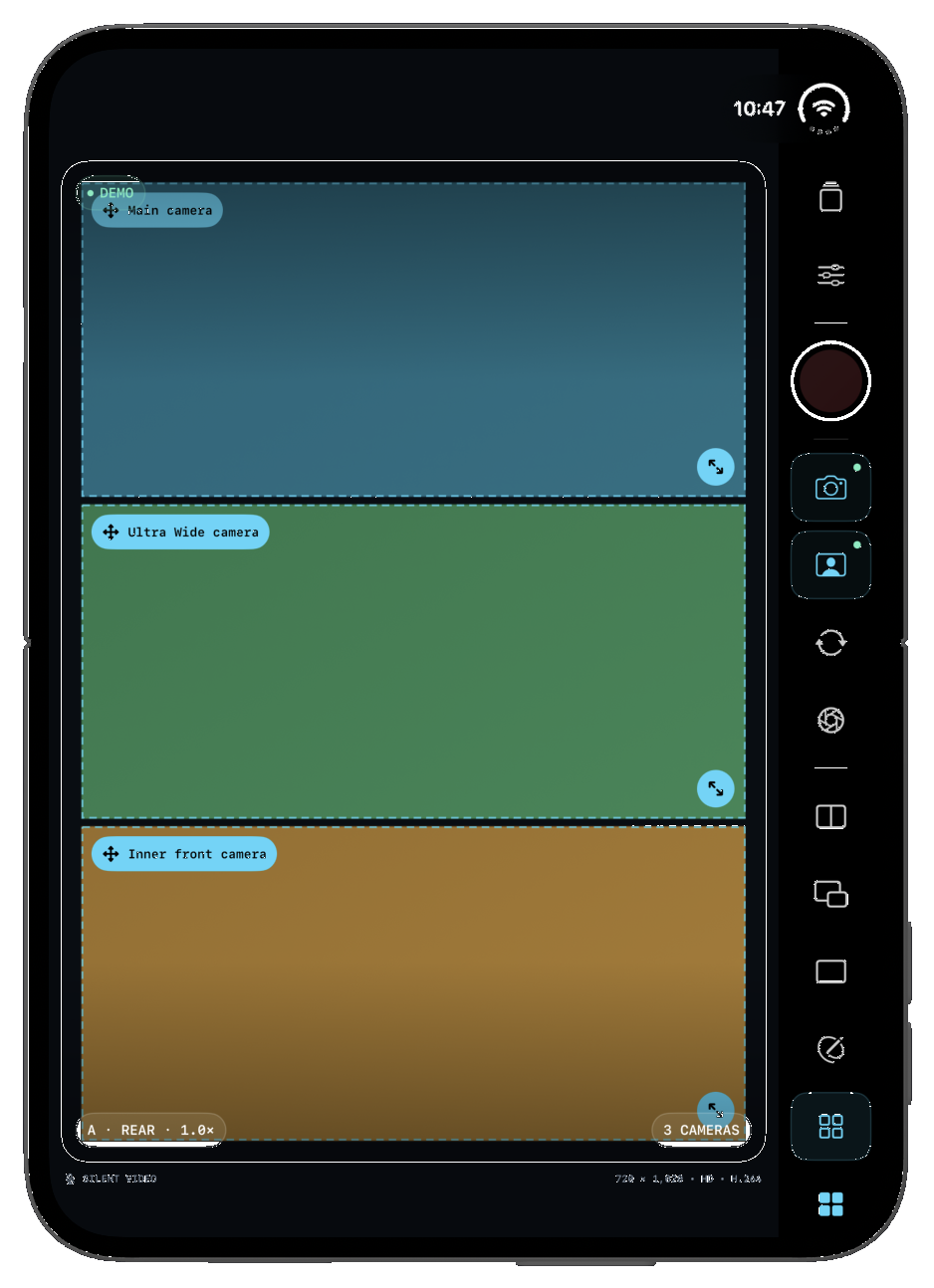
A working model of the real controls: drag the PiP window, resize it from the corner, pull the split divider to any percentage, draw on the whiteboard, pause and resume, hide a camera, change the look. The saved-movie preview is driven by the same geometry.
Same compositor, same geometry: what you set up on the stage is what gets written to the file.
Demo footage is stock photography of a creator recording at home. The app records your real cameras and microphone on device.
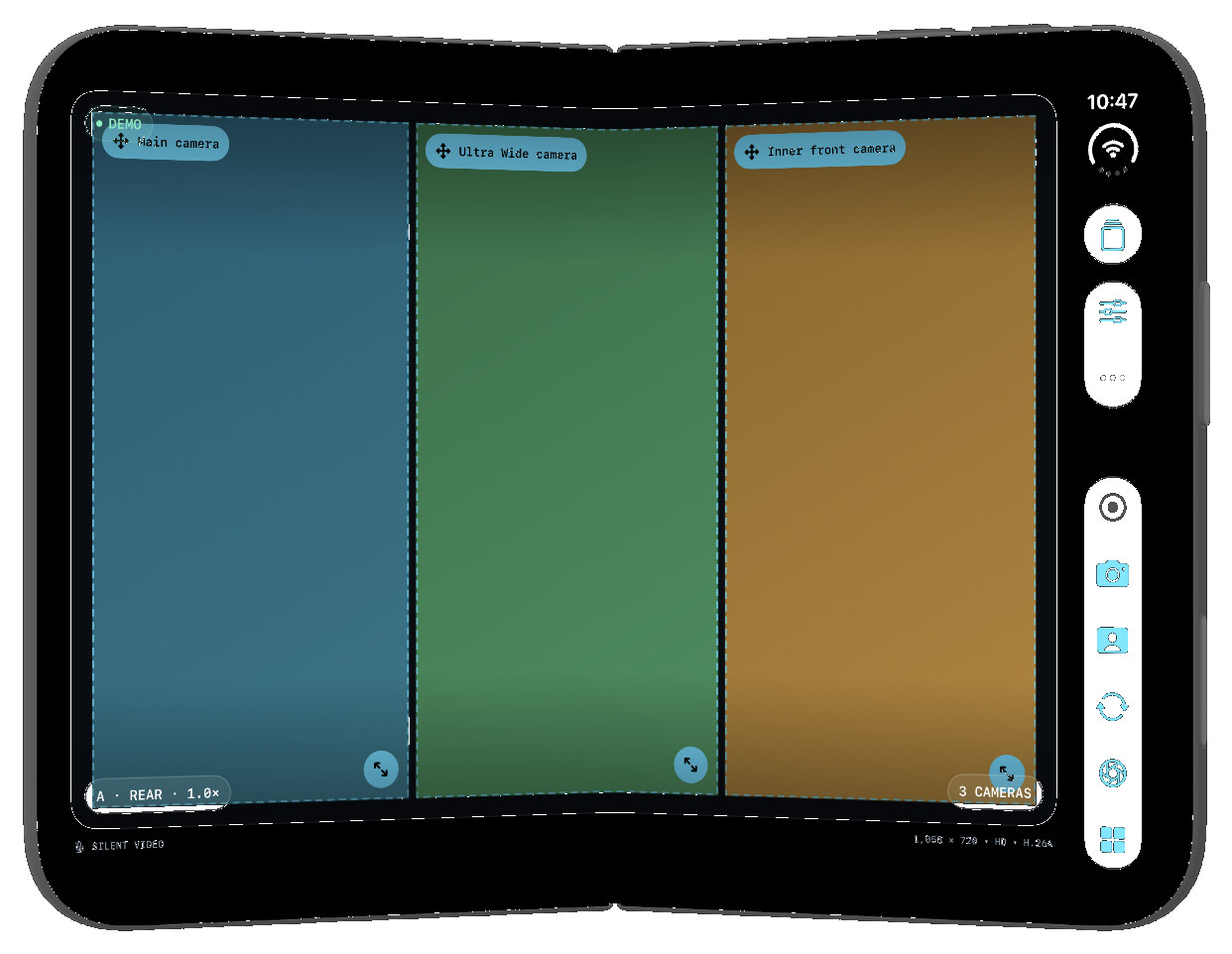
Captures on the right are the real iPhone Duo simulator frame from Xcode Device Hub, running the app.
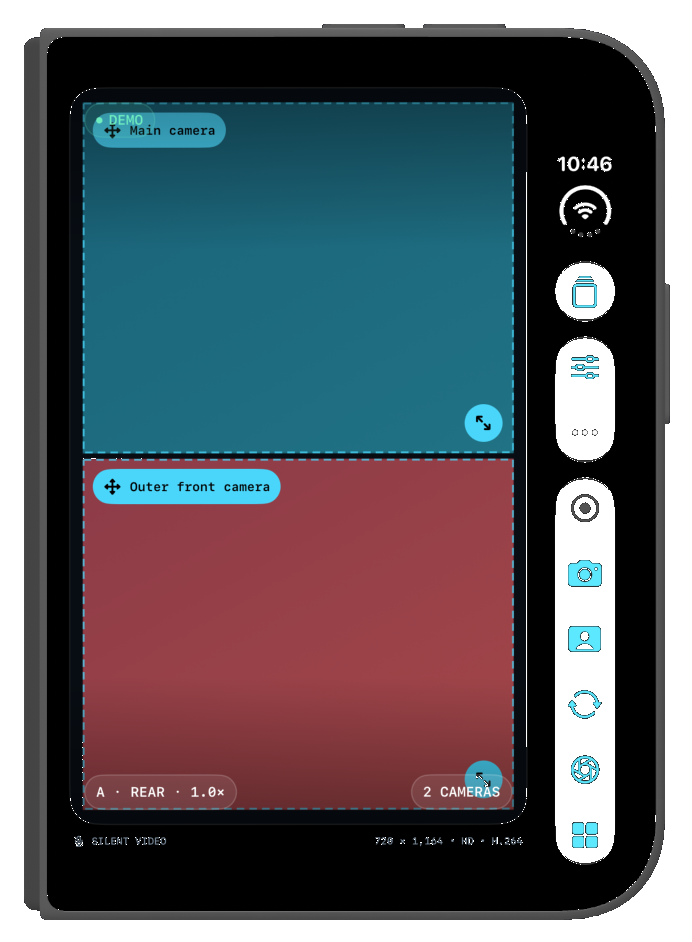
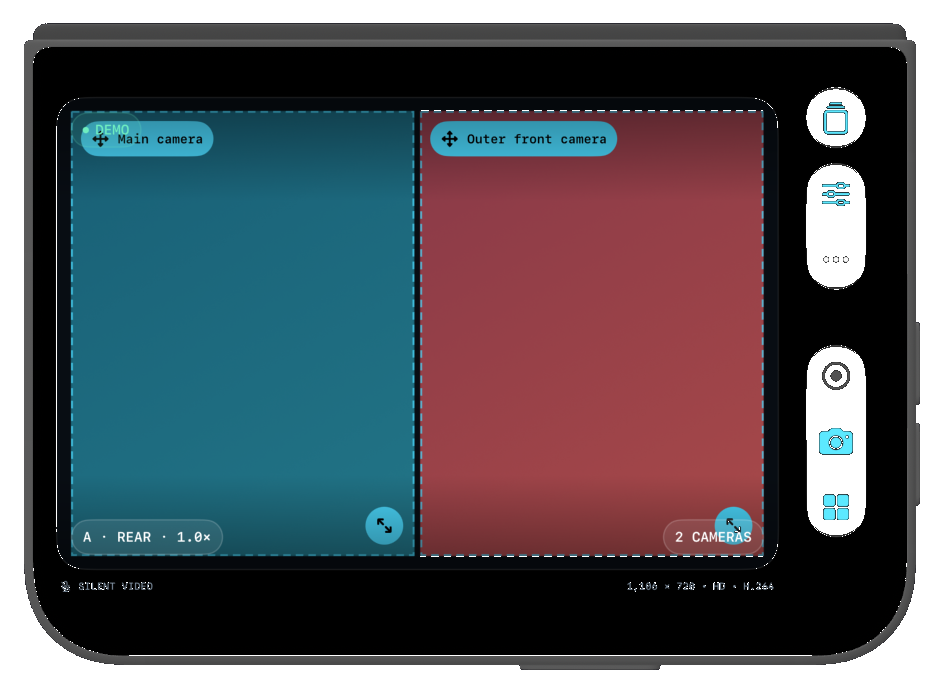
Like a phone: rear + outer front camera. Controls in the side strip.
Interactive sketch of the 669 × 951 pt inner display, three cameras open in the Grid (the maximum at once); tap Grid again to add the whiteboard tile.
KAMIRA is a one-time purchase on the App Store. No subscription, no account, nothing to cancel.
Local App Store pricing may vary by country.
Listing in review. The link goes live with the App Store release.
iPhone XS, XR and later, running iOS 16 or newer. iPhone X and earlier record a single camera; Solo and Camera + whiteboard still work.
Yes. Split percentage, PiP position and size, whiteboard strokes, backgrounds and looks are rendered with one shared compositor into the file.
Yes. $9.99 once on the App Store. No subscription, no in-app purchases, no ads, and all updates included.
Into the app's own library on your iPhone, also visible in the Files app under On My iPhone › KAMIRA. Nothing is uploaded. Share with the system share sheet whenever you want.
KAMIRA finalizes and saves the movie recorded so far. Same for low storage, overheating or moving to the background.
More in Support · Privacy policy